Virtual try-on tech implementation proposal: Free template
Got contracts to review? While you're here for proposals, let Cobrief make contract review effortless—start your free review now.
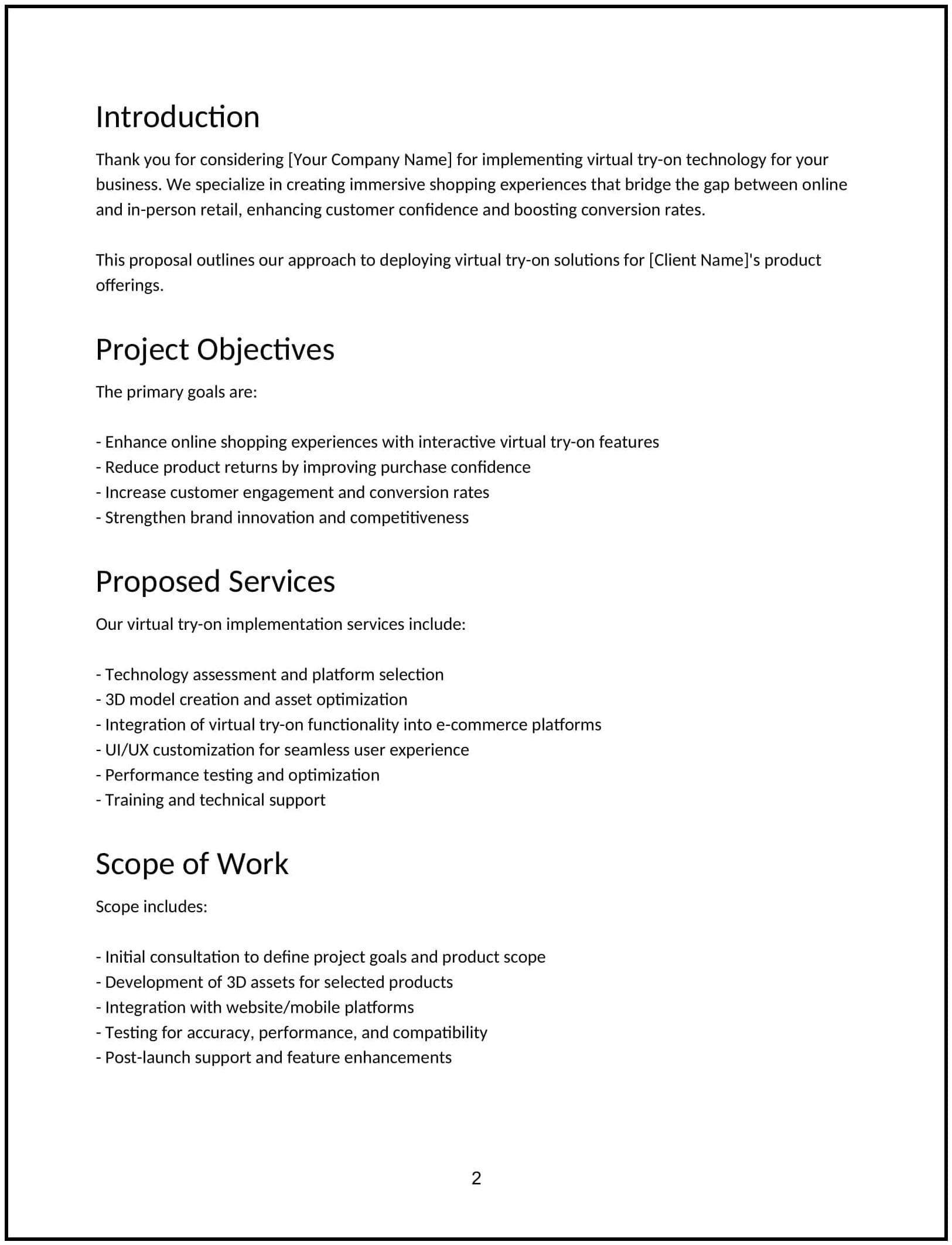
Customize this template for free
Customize this free virtual try-on tech implementation proposal with Cobrief
Open this free virtual try-on tech implementation proposal in Cobrief and start editing it instantly using AI. You can adjust the tone, structure, and content based on your client's product type, e-commerce platform, and technology preferences. You can also use AI to review your draft — spot gaps, tighten language, and improve clarity before sending.
Once you're done, send, download, or save the proposal in one click — no formatting or setup required.
This template is fully customizable and built for real-world use — ideal for pitching virtual try-on technology setup for fashion, eyewear, beauty, accessories, or home decor brands. Whether you’re creating proposals daily or occasionally, this version gives you a structured head start and removes the guesswork.
What is a virtual try-on tech implementation proposal?
A virtual try-on tech implementation proposal outlines your plan to integrate interactive, camera-based or AR-powered try-on features into a client’s digital experience. It typically includes vendor selection, SDK/API setup, UI/UX design support, backend configuration, and user flow testing.
This proposal is commonly used by AR specialists, e-commerce consultants, or product experience teams helping brands improve conversion and reduce returns through immersive tech.
A strong proposal helps you:
- Position try-on as a conversion and experience upgrade — not just a novelty.
- Explain technical and UX implications of the integration.
- Set expectations on assets, timelines, and data tracking.
- Position your service as a trusted implementation partner.
If you offer e-commerce personalization, interactive UX, or retail innovation strategy, this is the right kind of proposal to use.
Why use Cobrief to edit your proposal
Instead of copying a static template, you can use Cobrief to tailor and refine your proposal directly in your browser — with AI built in to help along the way.
- Edit the proposal directly in your browser: No setup or formatting required — just click and start customizing.
- Rewrite sections with AI: Highlight any sentence and choose from actions like shorten, expand, simplify, or change tone.
- Run a one-click AI review: Get instant suggestions to improve clarity, fix vague sections, or tighten your message.
- Apply AI suggestions instantly: Review and accept individual AI suggestions, or apply all improvements across the proposal in one click.
- Share or export instantly: Send your proposal through Cobrief or download a clean PDF or DOCX version when you’re done.
Cobrief helps you create a polished, persuasive proposal — without wasting time on formatting or second-guessing your copy.
When to use this proposal
This virtual try-on tech implementation proposal works well in scenarios like:
- When helping a fashion or beauty brand deploy AR try-on tools.
- When partnering with third-party tech providers (e.g., Perfect Corp, Vyking, Zero10).
- When redesigning a product detail page to support interactive features.
- When integrating try-on into an app or mobile-first site.
Use this proposal whenever you need to show how your service will deliver a polished, immersive try-on experience that’s aligned with business goals.
What to include in a virtual try-on tech implementation proposal
Each section of the proposal is designed to help you explain your offer clearly and professionally. Here's how to use them:
- Executive summary: Position virtual try-on as a way to increase conversion, reduce uncertainty, and differentiate the shopping experience — especially for visual, high-touch categories.
- Scope of work: Outline your deliverables — vendor evaluation or onboarding, integration (SDK/API or iFrame), asset formatting (3D models, face maps, etc.), UI/UX recommendations, testing, and launch support.
- Timeline: Include clear phases — vendor setup, technical integration, asset prep, staging, and go-live. Timelines usually range from 2 to 6 weeks based on asset readiness.
- Pricing: Offer fixed-fee or phase-based pricing. Separate software licensing (if third-party) from your service fees. Optionally include add-ons like analytics setup or A/B testing.
- Terms and conditions: Clarify platform access, asset handover, licensing (if using third-party), usage rights, and what post-launch support includes.
- Next steps: Include a simple call to action — e.g., “Approve to begin vendor coordination and asset review” or “Send your product list to start 3D asset mapping.”
How to write an effective virtual try-on implementation proposal
Use these best practices to highlight clarity, feasibility, and ROI:
- Make the client the focus: Emphasize business outcomes like reduced returns, increased time-on-site, and better buyer confidence.
- Personalize where it matters: Mention product type (e.g., lipsticks, sunglasses, sneakers) and typical buyer friction points.
- Show results, not just features: Share past outcomes (e.g., “Lifted conversion 22% with try-on activated vs. control”).
- Be clear and confident: Simplify technical concepts like 3D asset requirements or camera permissions. Don’t overwhelm with jargon.
- Keep it skimmable: Use bullets and short sections for DTC marketers, UX leads, or product teams scanning for confidence.
- End with momentum: Prompt a fast, low-friction next step to get the tech assessment or onboarding underway.