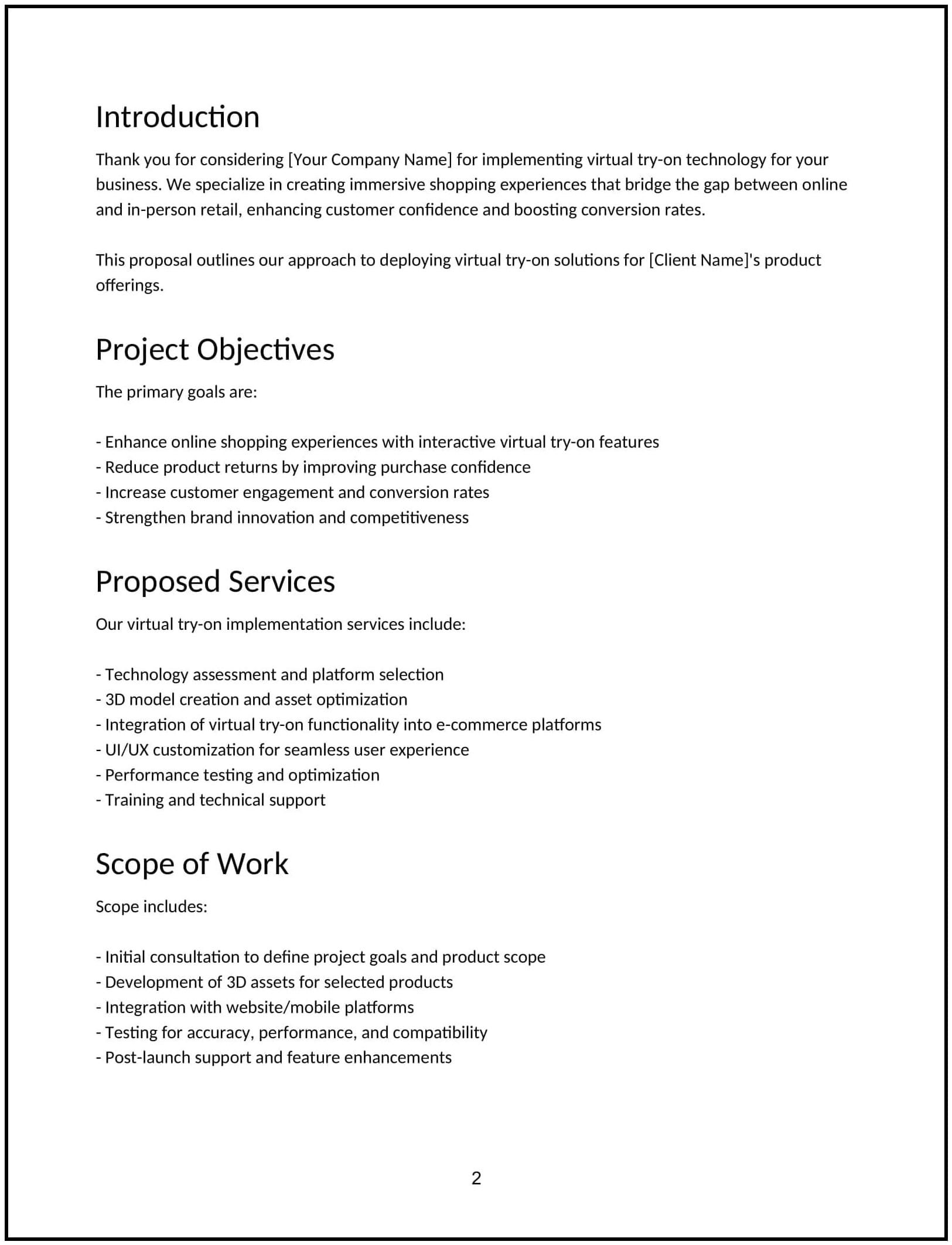
Virtual try-on tech implementation proposal: Free template
Proposes the implementation of virtual try-on technology, detailing platform integration, user experience design, technical requirements, and project timeline.
- Proposal
Customize this free virtual try-on tech implementation proposal with Cobrief
Open this free virtual try-on tech implementation proposal in Cobrief and start editing it instantly using AI. You can adjust the tone, structure, and content based on your client's product type, e-commerce platform, and technology preferences. You can also use AI to review your draft — spot gaps, tighten language, and improve clarity before sending.
Once you're done, send, download, or save the proposal in one click — no formatting or setup required.
This template is fully customizable and built for real-world use — ideal for pitching virtual try-on technology setup for fashion, eyewear, beauty, accessories, or home decor brands. Whether you’re creating proposals daily or occasionally, this version gives you a structured head start and removes the guesswork.
What is a virtual try-on tech implementation proposal?
A virtual try-on tech implementation proposal outlines your plan to integrate interactive, camera-based or AR-powered try-on features into a client’s digital experience. It typically includes vendor selection, SDK/API setup, UI/UX design support, backend configuration, and user flow testing.
This proposal is commonly used by AR specialists, e-commerce consultants, or product experience teams helping brands improve conversion and reduce returns through immersive tech.
A strong proposal helps you:
- Position try-on as a conversion and experience upgrade — not just a novelty.
- Explain technical and UX implications of the integration.
- Set expectations on assets, timelines, and data tracking.
- Position your service as a trusted implementation partner.
If you offer e-commerce personalization, interactive UX, or retail innovation strategy, this is the right kind of proposal to use.
Why use Cobrief to edit your proposal
Instead of copying a static template, you can use Cobrief to tailor and refine your proposal directly in your browser — with AI built in to help along the way.
- Edit the proposal directly in your browser: No setup or formatting required — just click and start customizing.
- Rewrite sections with AI: Highlight any sentence and choose from actions like shorten, expand, simplify, or change tone.
- Run a one-click AI review: Get instant suggestions to improve clarity, fix vague sections, or tighten your message.
- Apply AI suggestions instantly: Review and accept individual AI suggestions, or apply all improvements across the proposal in one click.
- Share or export instantly: Send your proposal through Cobrief or download a clean PDF or DOCX version when you’re done.
Cobrief helps you create a polished, persuasive proposal — without wasting time on formatting or second-guessing your copy.
When to use this proposal
This virtual try-on tech implementation proposal works well in scenarios like:
- When helping a fashion or beauty brand deploy AR try-on tools.
- When partnering with third-party tech providers (e.g., Perfect Corp, Vyking, Zero10).
- When redesigning a product detail page to support interactive features.
- When integrating try-on into an app or mobile-first site.
Use this proposal whenever you need to show how your service will deliver a polished, immersive try-on experience that’s aligned with business goals.
What to include in a virtual try-on tech implementation proposal
Each section of the proposal is designed to help you explain your offer clearly and professionally. Here's how to use them:
- Executive summary: Position virtual try-on as a way to increase conversion, reduce uncertainty, and differentiate the shopping experience — especially for visual, high-touch categories.
- Scope of work: Outline your deliverables — vendor evaluation or onboarding, integration (SDK/API or iFrame), asset formatting (3D models, face maps, etc.), UI/UX recommendations, testing, and launch support.
- Timeline: Include clear phases — vendor setup, technical integration, asset prep, staging, and go-live. Timelines usually range from 2 to 6 weeks based on asset readiness.
- Pricing: Offer fixed-fee or phase-based pricing. Separate software licensing (if third-party) from your service fees. Optionally include add-ons like analytics setup or A/B testing.
- Terms and conditions: Clarify platform access, asset handover, licensing (if using third-party), usage rights, and what post-launch support includes.
- Next steps: Include a simple call to action — e.g., “Approve to begin vendor coordination and asset review” or “Send your product list to start 3D asset mapping.”
How to write an effective virtual try-on implementation proposal
Use these best practices to highlight clarity, feasibility, and ROI:
- Make the client the focus: Emphasize business outcomes like reduced returns, increased time-on-site, and better buyer confidence.
- Personalize where it matters: Mention product type (e.g., lipsticks, sunglasses, sneakers) and typical buyer friction points.
- Show results, not just features: Share past outcomes (e.g., “Lifted conversion 22% with try-on activated vs. control”).
- Be clear and confident: Simplify technical concepts like 3D asset requirements or camera permissions. Don’t overwhelm with jargon.
- Keep it skimmable: Use bullets and short sections for DTC marketers, UX leads, or product teams scanning for confidence.
- End with momentum: Prompt a fast, low-friction next step to get the tech assessment or onboarding underway.
Frequently asked questions (FAQs)
Similar templates
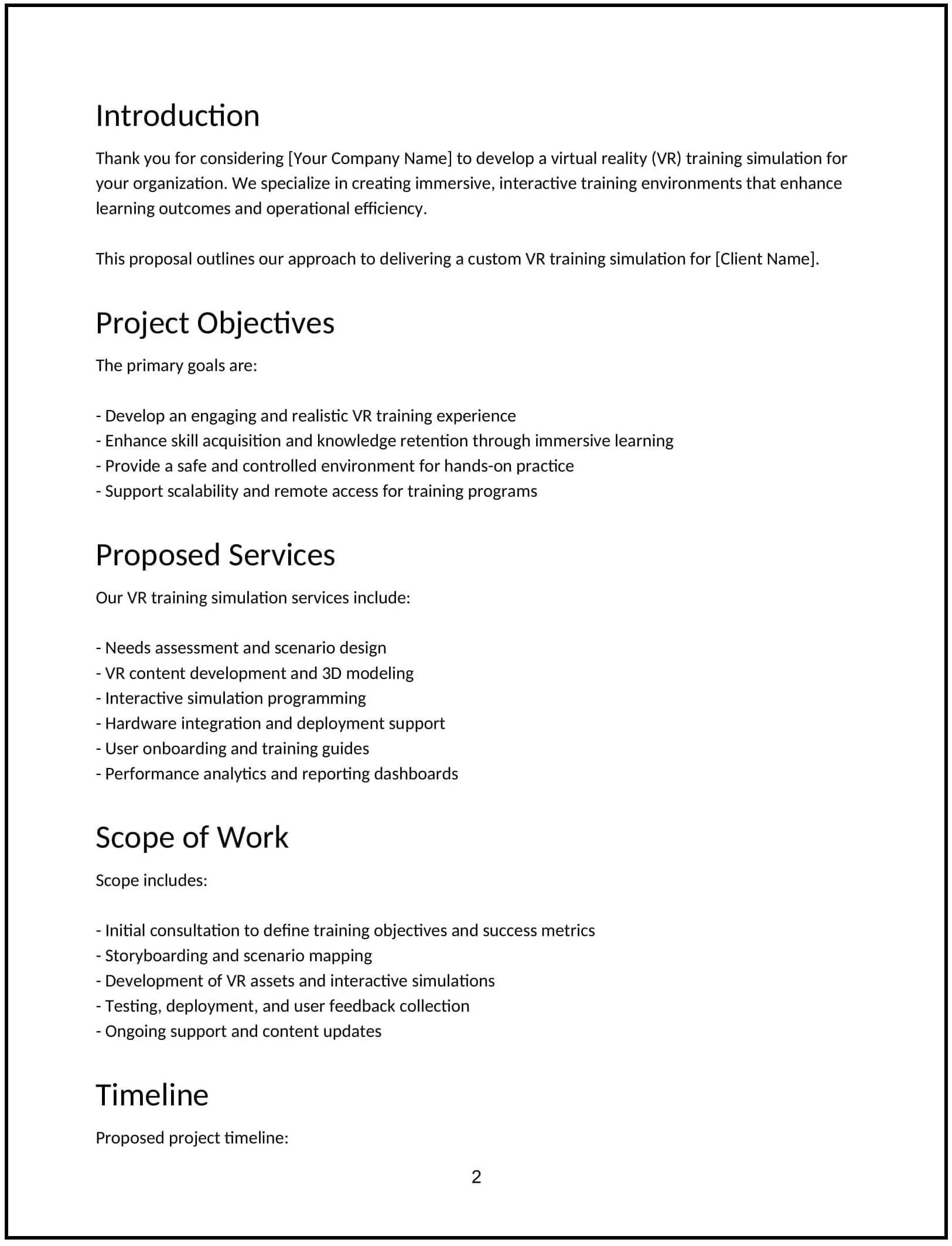
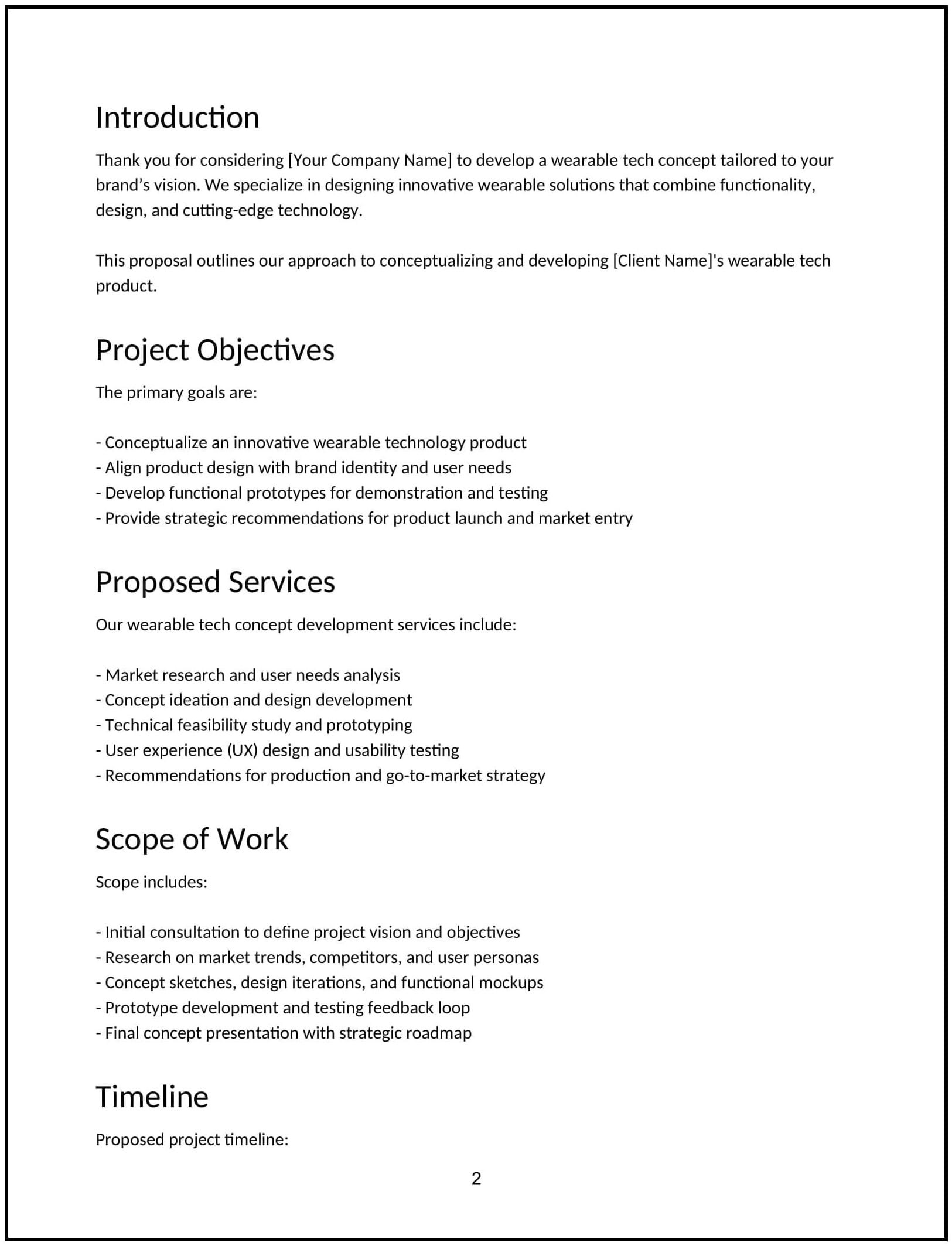
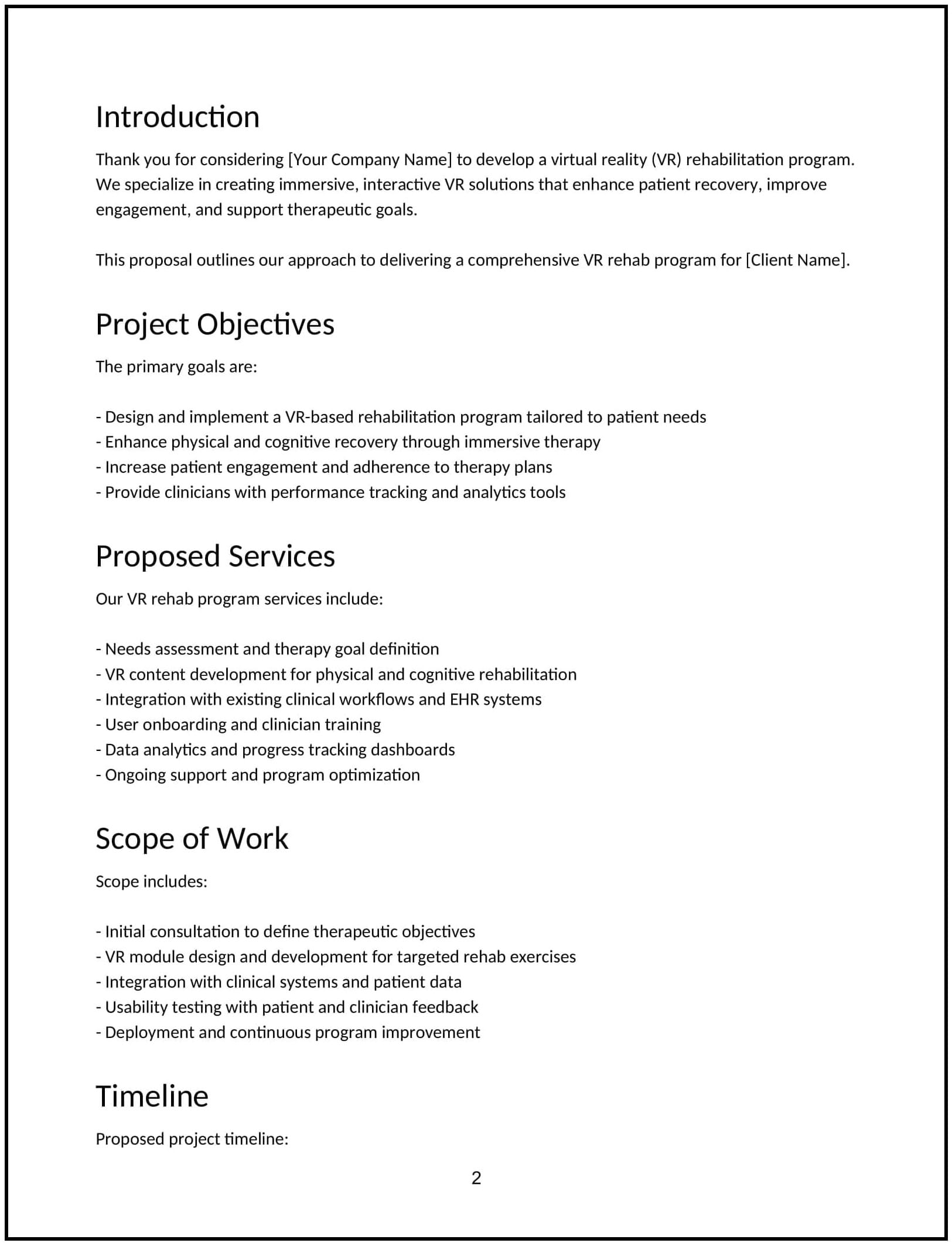
Where deals go from offer to paid